


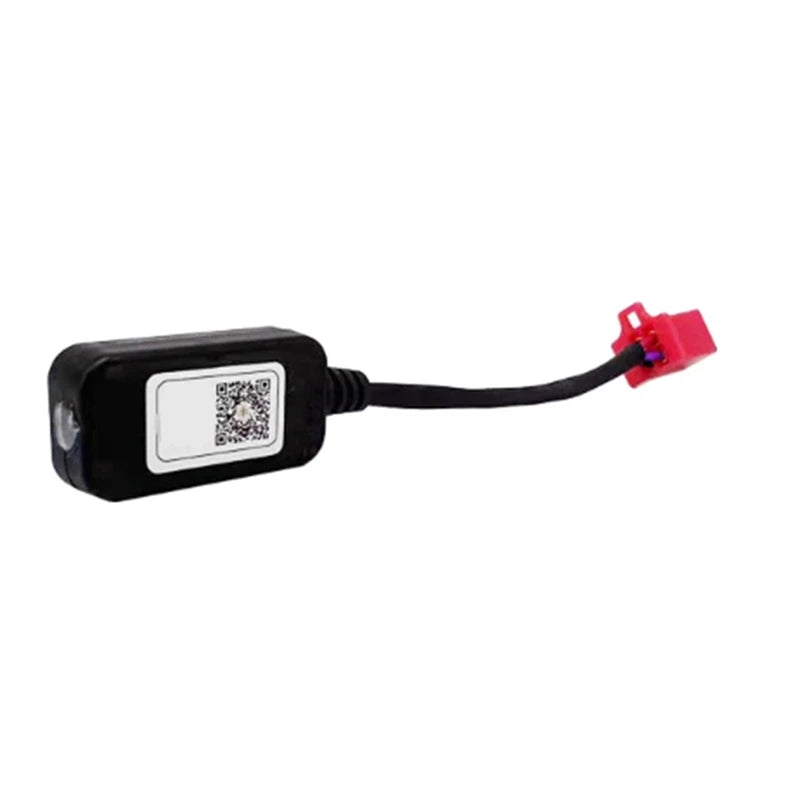
The Fardriver Bluetooth Dongle lets you connect your phone to a compatible Fardriver controller. It fits compatible Fardriver controllers only, so check that your controller has the matching connector. For what each controller part does, see the motor, controller and dongle guide.
At a glance
- Fits compatible Fardriver controllers only, so check the connector first
- Power the bike off completely before connecting or disconnecting the dongle
- Save or screenshot your original settings before changing anything
- Make small changes one at a time
What is in the box?
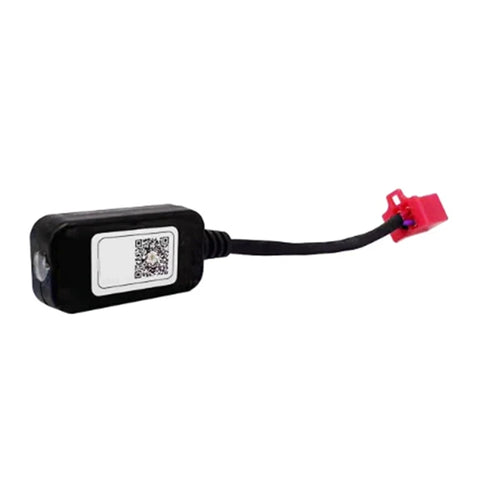
One Fardriver Bluetooth dongle.
How do I set it up?
- Power the bike off completely before connecting or disconnecting the dongle.
- Plug the dongle into the controller harness connector.
- Install the Fardriver app on your phone, power the bike on and connect to the dongle over Bluetooth.
- Before changing anything, save or screenshot your original controller settings.
- Make small changes one at a time and test carefully.
Is it safe to change settings?
Incorrect settings can damage the motor, controller or battery. Follow the controller manufacturer's instructions and stay within your battery's and motor's limits.
The dongle will not connect.
Email support@soleilsupplies.com with your order number, your controller model or label, and a photo of the dongle plugged in. See what to send us so we can help fast.
Parts mentioned
See the fitment guide. Questions? Email support@soleilsupplies.com.