


If your Tuttio Soleil 01 has the NFC display and the bike still powers on, you can set up your phone as an additional NFC key. These steps are written for an iPhone. For the throttle and display kits, see the Plug & Play Throttle Kit guide.

At a glance
- The bike must still power on to do this
- Put the NFC display into setup/pairing mode with the power button
- Use a transit card in Apple Wallet that supports NFC
- Phone position matters: move the top of the phone slightly over the reader
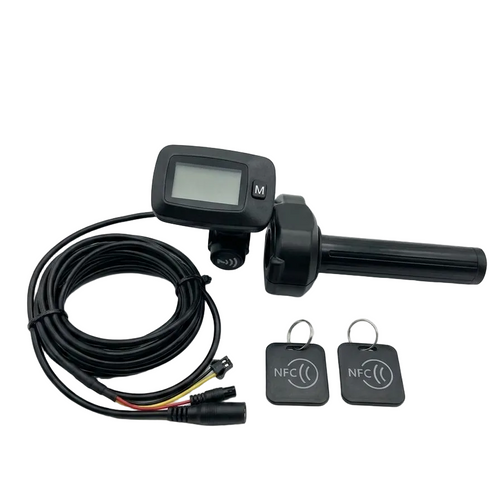
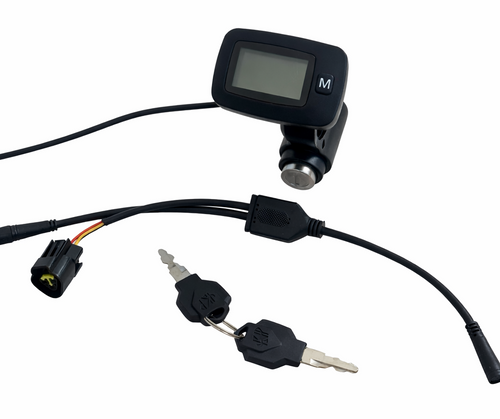
How do I set up my iPhone as a key?
- Turn the bike on and use the power button to put the NFC display into setup/pairing mode.
- Open the Wallet app on your iPhone.
- Select a transit card in Apple Wallet that supports NFC.
- Hold the top/NFC area of your iPhone directly against the bike's NFC display.
- Keep it there while the display registers the phone. When the display stops flashing or goes dark, setup should be complete.
- Test it by bringing the same area of the phone to the display again. It should turn on and unlock the bike.
Phone position matters, so you may need to move the top of the phone around slightly over the reader.
Can I use an NFC wristband?
Yes, if it is compatible. It works the same way: put the display in pairing mode and present the wristband to the reader.
I lost my NFC key card.
Email support@soleilsupplies.com with your order number and we will help with a replacement NFC key card.
Parts mentioned

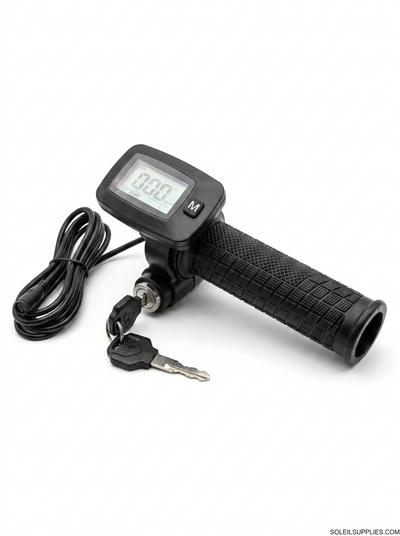
See the fitment guide. Questions? Email support@soleilsupplies.com.